Back to all projects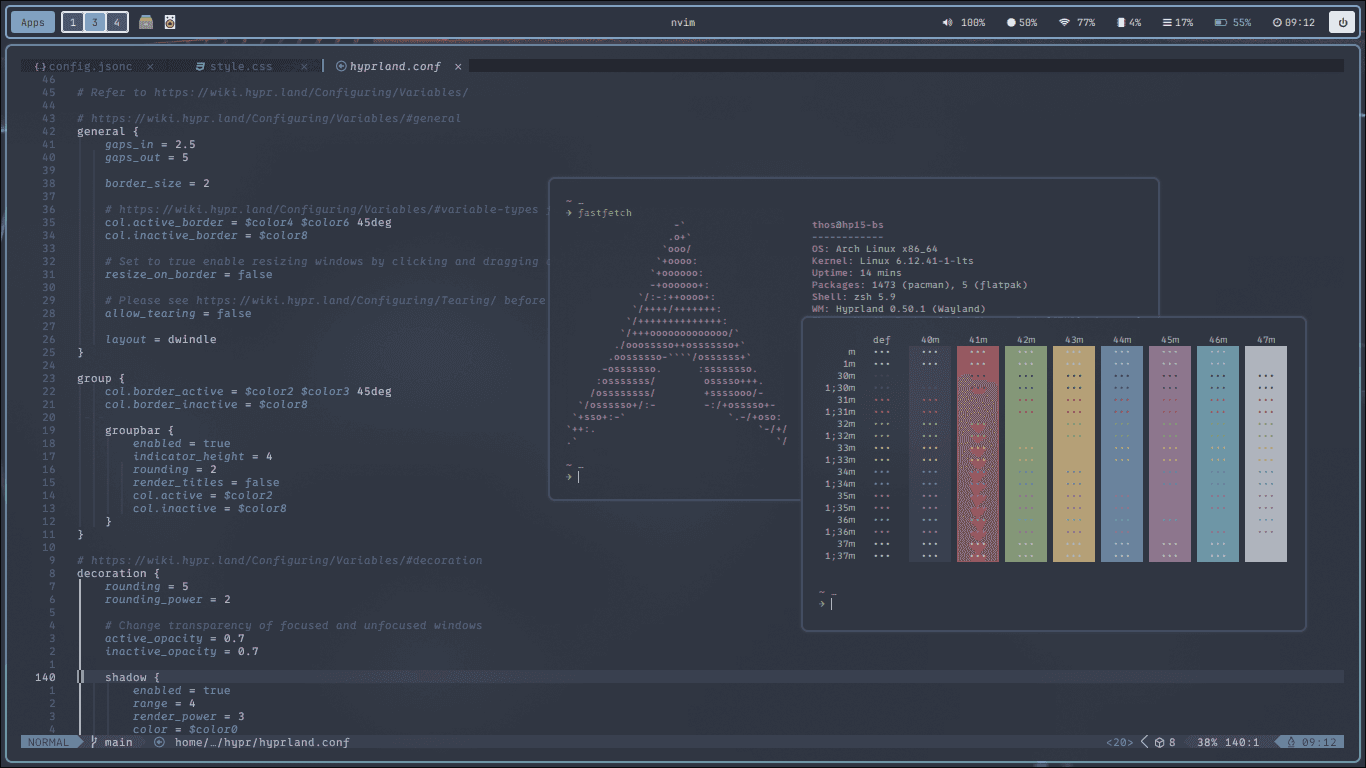
📦 Install dependencies on Arch (with
Personal Projects / August 9, 2025
Hyprland Dotfiles
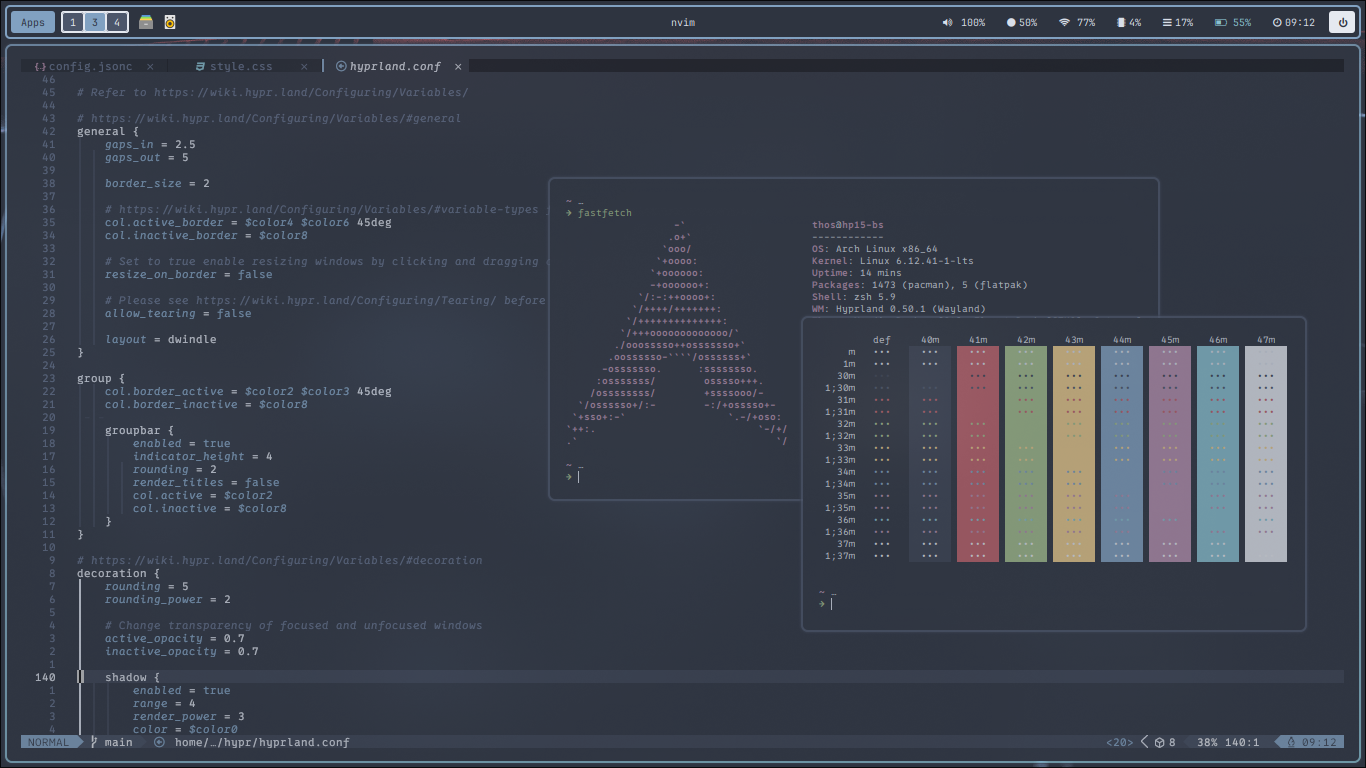
Personal dotfiles for a customized Hyprland setup, focused on simplicity, aesthetics, and efficiency.
🖌️ This configuration is based on pywal for dynamic color theming.
📦 Dependencies
Make sure you have the following packages installed:
- Hyprland
kitty(terminal)rofi(app launcher)dunst(notifications)hyprpaper(wallpaper manager)hypridle(idle manager)hyprlock(screen locker)hyprshot(Screenshot)xfce4-terminal(alternative terminal)thunar(file manager)zathura(pdf reader)viewnior(image viewer)firefox(web browser)pamixer(volume control)brightnessctl(brightness control)playerctl(media control)wpctl(pipewire audio)pywal(dynamic colors)nvim(optional)stow(dotfiles manager)papirus-icon-theme
📦 Install dependencies on Arch (with yay)
yay -S hyprland kitty rofi dunst hyprpaper hypridle hyprlock hyprshot xfce4-terminal thunar zathura viewnior firefox pamixer brightnessctl playerctl wireplumber python-pywal stow nvim papirus-icon-theme🧷 Installation
- Clone this repo into your dotfiles directory:
git clone--depth=1 https://github.com/berthosefin/dots.git
cd dots- Deploy the Hyprland configuration using GNU Stow:
chmod +x install.sh
sh install.sh
This will symlink the configuration files into your ~/.config directory.
⌨️ Keybindings Overview
SUPER + Return: Launch kittySUPER + Shift + Return: Launch xfce4-terminalSUPER + D: Launch RofiSUPER + Q: Close active windowSUPER + Shift + Q: Exit HyprlandSUPER + E: PowermenuSUPER + C: Switch color schemeSUPER + F: Toggle fullscreenSUPER + G: Group/Ungroup windowsAlt + Tab: Switch grouped windowPrint: Screenshot (output)Ctrl + Print: Screenshot (region)SUPER + [1–10]: Switch workspaceSUPER + Shift + [1–10]: Move window to workspaceSUPER + S: Toggle special workspaceSUPER + Shift + S: Move to special workspaceSUPER + LMB / RMB: Move / Resize windowXF86...: Multimedia shortcuts
🛠 Tips
- You can modify any keybindings in
hyprland.confto suit your workflow. - You can add more colorscheme in
~/.config/hypr/scripts/colorschemes